Editing profile
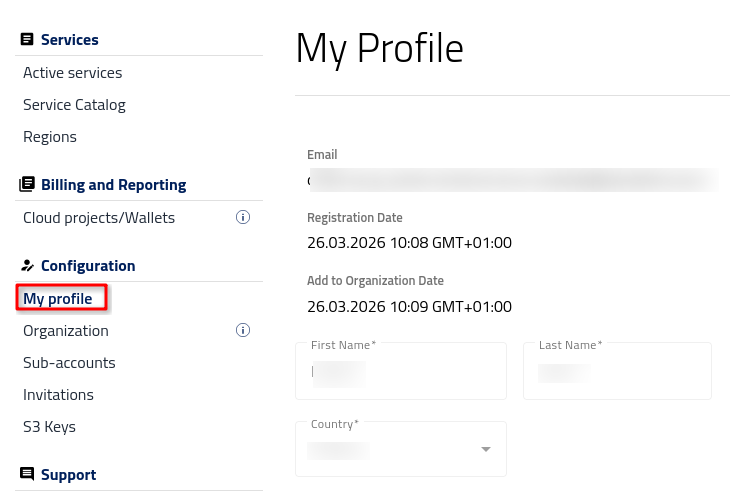
After logging into https://my.cloud.eumetsat.int press My Profile button on the left bar menu.
Personal data
In My Profile tab you will be able to:
check your email address and registration date
view and edit your name and country.able
Notification preferences
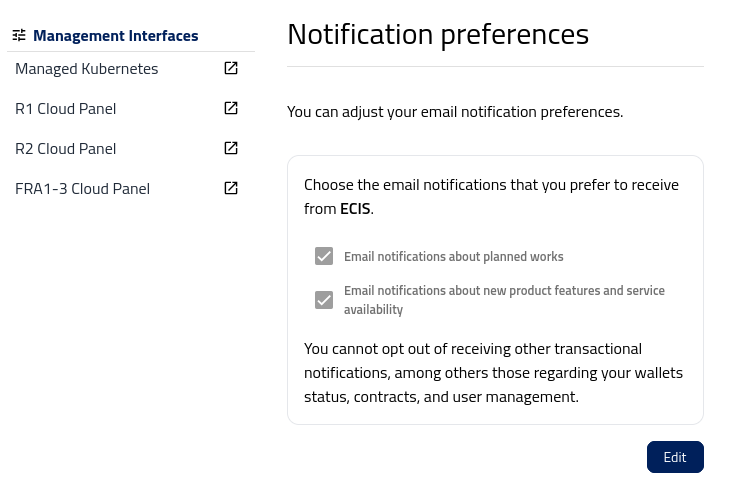
Notifications are the email messages that the panel will send you, from time to time and when there is a specific need. You can opt from receiving email notifications about
planned works such availability or decommissioning of specific datasets or about
new product features and services, for example, installing a new version of the software on the site.
You cannot opt out of receiving other transactional notifications, among others those regarding your wallets status, contracts, and user management.
Change of password
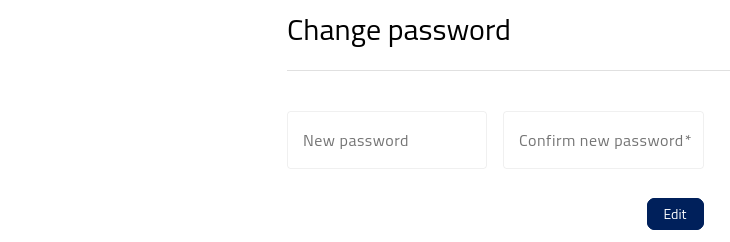
Enter the new password twice and start using it.
It is a good practice to frequently change passwords!
Accepted agreements
View and edit accepted agreements.
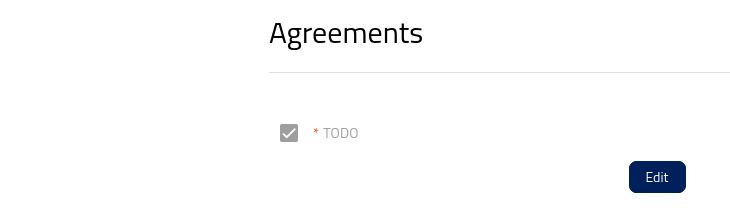
The usual list of agreements that one can be offered when onboarding to a site may be divided into two parts:
Mandatory agreements
You cannot use the site if you do not accept mandatory agreements:
I agree that hat my personal data collected in this form will be processed in accordance with the Privacy Policy
Terms of Access to Data
General Terms and Conditions of Services
Voluntary agreements
You may specify one or more from the likes of the following:
Microsoft SPLA END USERS LICENSE TERMS
I agree to share my personal data with partners specified in the Privacy Policy
I agree to receive marketing information from the site, including updates about products, services, industry trends, and upcoming events, to the email address provided above.
For voluntary agreements, you can change them any time you want.