Log in to dashboard
This article explains how to log in to the dashboard for the first time and complete your account setup.
First-time login to dashboard
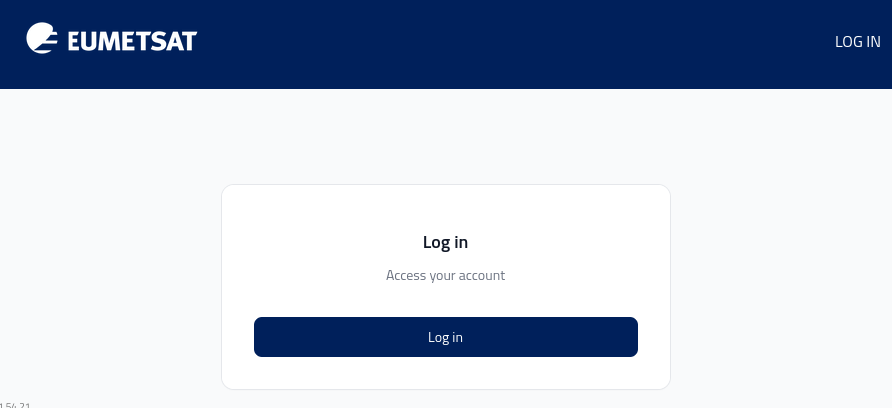
On the https://my.cloud.eumetsat.int page press Log in.
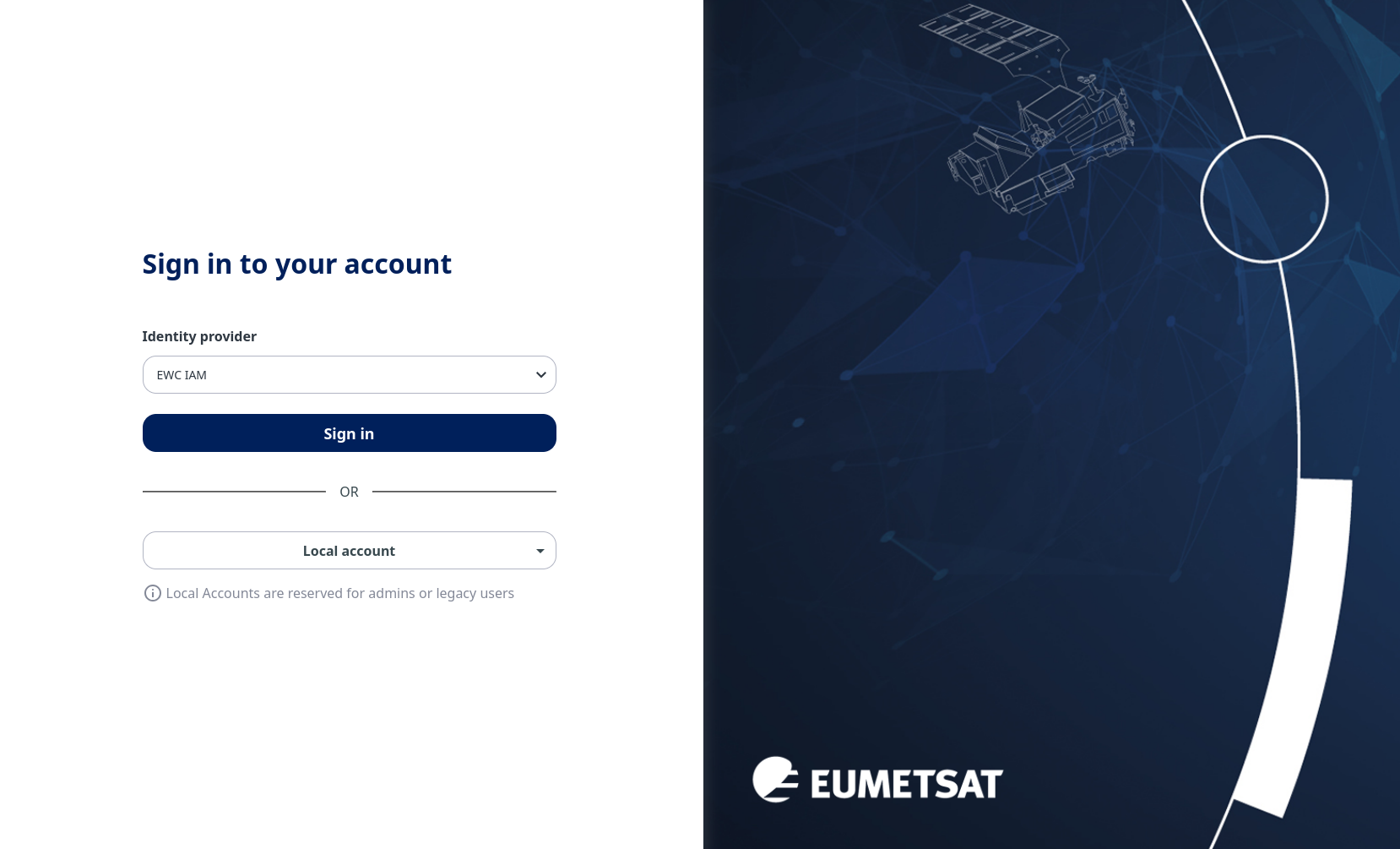
Click on Sign in from the following form:
In form Sign in to your Tenancy, enter the name of the tenancy provided to you by the operator.
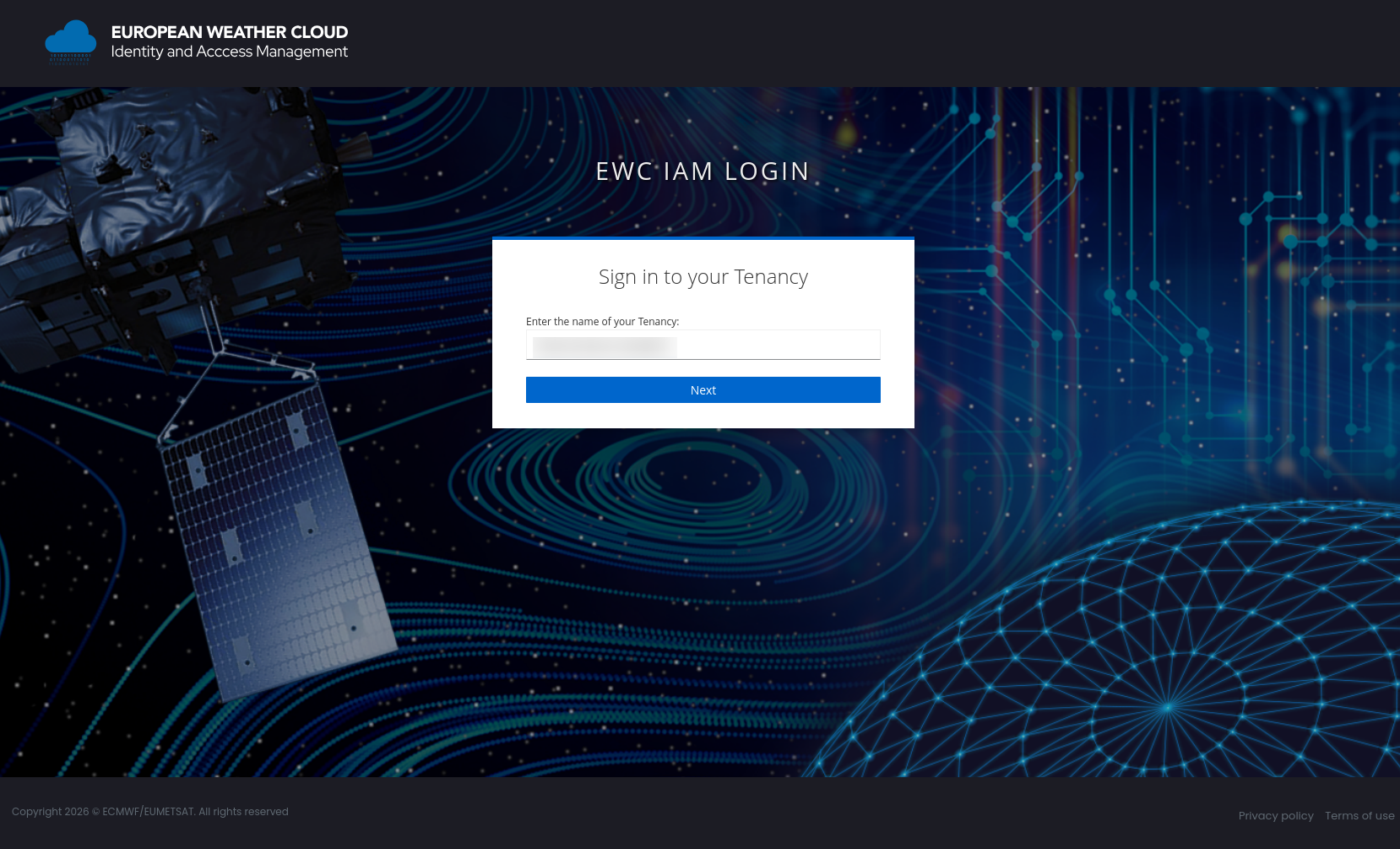
Click on Next.
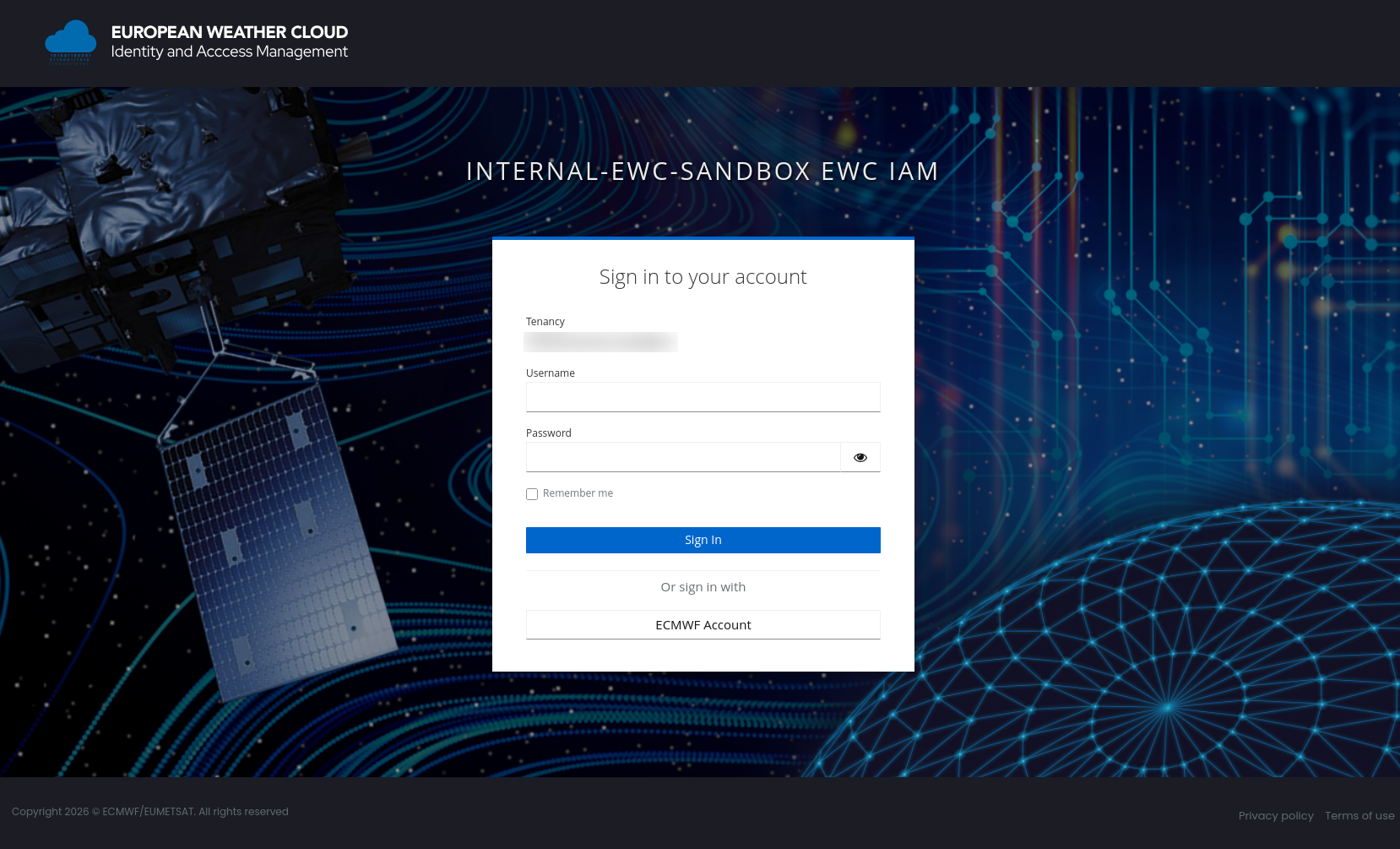
Form Sign in to your account. Then fill in your credentials and press Sign In:
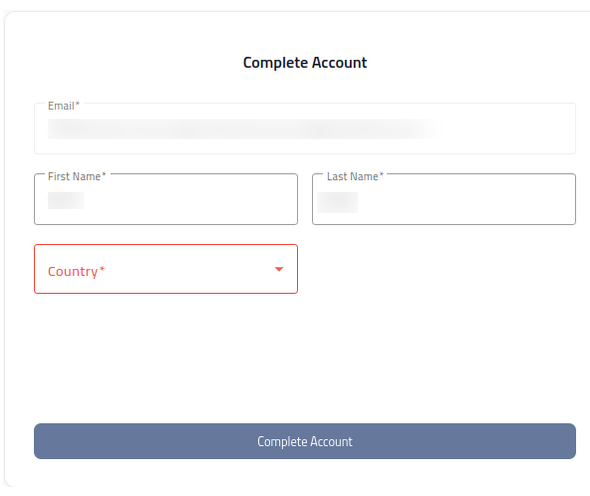
On the Complete Account page, review your account details and click Complete Account to confirm them:
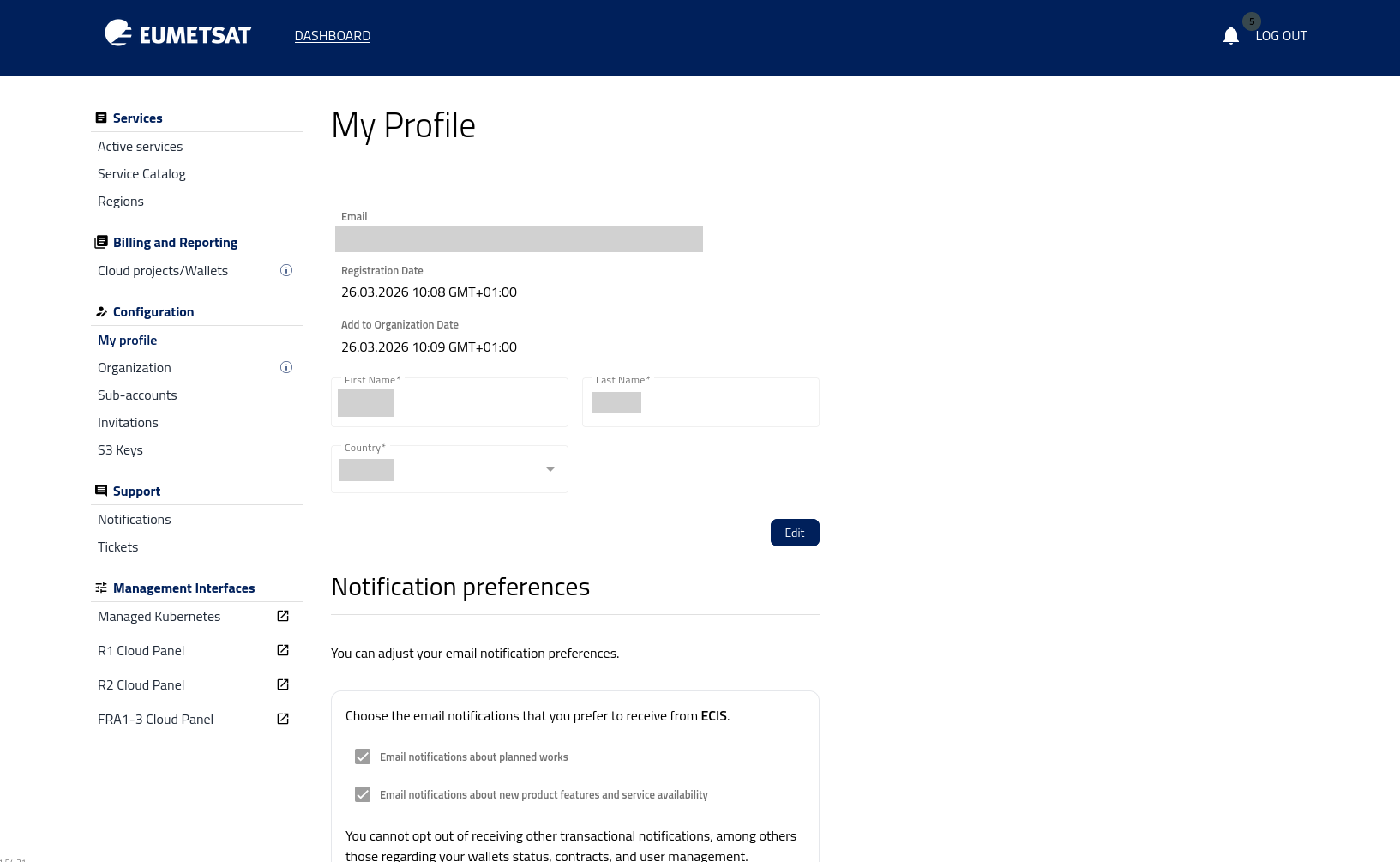
Finally, log in to the portal. The My Profile page opens as the default landing page.
Subsequent logins
For subsequent logins, the process is the same, except that the 5. Complete Account step is not required.
What to do next
After you log in to the dashboard, check which services are available for your account. For more information, see Services available.